
Google Universal Cart and AP2: What self-hosted stores need to know
July 20, 2026 · 5 min read
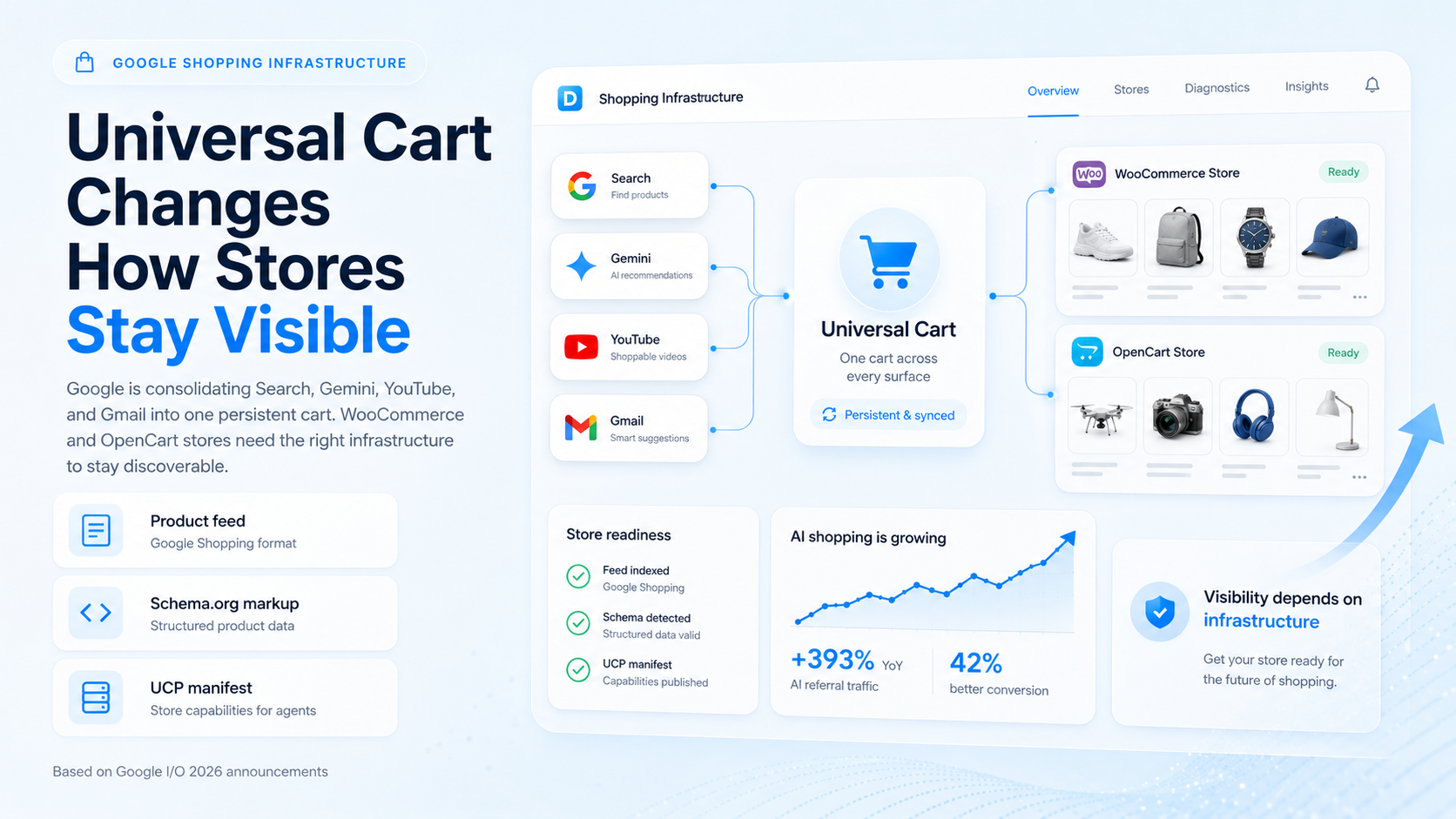
Shopify Universal Cart announced at Google I/O 2026
Before we jump into setting up Universal Cart for WooCommerce and OpenCart, it is imperative to highlight the importance of having your online store visible to all channels where AI is likely to direct shoppers. Shoppers can find your online store everywhere or nowhere at all.
What is Universal Cart, really?
For customers shopping across Google services (e.g. searching, watching YouTube videos, composing Gmail email, talking to Gemini) previously their shopping cart would have been left behind in each of the individual services. To address this Google has launched Universal Cart.
Agent Payments Protocol 2 (AP2) forms the core of Universal Cart. By setting security parameters around the spending power of shopping agents, AP2 ensures that each shopping session is secured. By allowing the shopper to confirm each purchase or return individually, the shopper can ensure that each individual transaction is secured as well. This makes shopping using Universal Cart ‘seamless’ and ‘secure’.
WooCommerce and OpenCart Owners Are At A Disadvantage
Products published from Shopify stores with products published in the Google Shopping feed in the correct format will automatically be indexed within Universal Cart for all users.
Shopify has a direct partnership with Google, which means all products from Shopify-enabled stores will be automatically added to Google’s database and shoppers from all Google services can instantly add products to the same shopping cart – the Universal Cart – as used in Search. WooCommerce and OpenCart store owners will require to get their store ready for Universal Cart, so that a valid product feed (in the correct Google Shopping format) is published from their store, as well as a UCP (Unified Commerce Protocol) manifest for their store (a JSON file .well-known/ucp-manifest.json).
Additionally, your online store can become invisible for all AI agents, including Universal Cart, if it is not properly prepared.
How to get your store ready
First of all, make sure that the Google Shopping feed that you publish for your store is 100% error free. When we say “100% error free” we mean that there are no errors in the product titles, product descriptions, prices, and also in the stock levels. If there are any errors in the feed then the products will not appear in Universal Cart, and also not in any AI agent’s shopping list.
Add Schema.org structured data to your product pages to enable shopping agents to understand what you are selling.
Step 4 - Create a UCP manifest. A UCP manifest is a JSON file that your website needs to make available at /.well-known/ucp-manifest.json. In this file you can describe the payment methods that your store supports, return policies, different shipping zones and how taxes are to be calculated.
Make sure your products are active, properly indexed in Google Merchant Center and there are no disapprovals.
Once Universal Cart launches, you can use Google Search Console to see how Universal Cart sends traffic to your online store (e.g. impressions, clicks).
The bigger picture
Setting up Universal Cart for a store is not a one-time task but rather an ongoing task which needs to be treated as a system of its own – namely, the store’s catalog and AI agent integration.
Make your online shop a system to monitor and improve for Universal Cart (and other AI agents). Shops whose online presence is a system to manage will get the traffic that already Adobe Analytics tracks: 393% growth year-over-year from AI to shop by (and 42% better conversion rates than search for those that do).
The window is now – Universal Cart is launching this quarter. As the AI Shopping Agents become the new way to shop for millions of customers, you need to treat your store, products, and shopping cart as a system that requires ongoing work to ensure that you get all of the possible traffic. As Adobe Analytics is tracking, traffic from AI Shopping Agents is currently growing 393% and converting 42% better than search.
What to do next
Check the Google Merchant Center where your store is currently at. Make sure that your product feed is up to date in order for proper listing of your products. Make sure that there are no disapprovals. Add Schema.org structured data to individual product pages. Test your newly created UCP manifest file and submit for validation in the Merchant Center. Keep an eye on your Google Search Console for impressions and click-throughs when UCP launches for your region.
Want to know what your AI agent really sees when probing your store out? Go to dreamvention.com/scan for a 30-second scan of your online store. No email required.
Ready to automate your OpenCart store?
You know OpenCart inside out. The next step is turning your store into an AI salesperson that never sleeps — answering buyers, building carts and taking orders while you run the business.
Learn about agentic commerceGet AI Commerce Tips
5 expert tips to grow your store with AI agents.
No spam — unsubscribe with one reply.
Read next
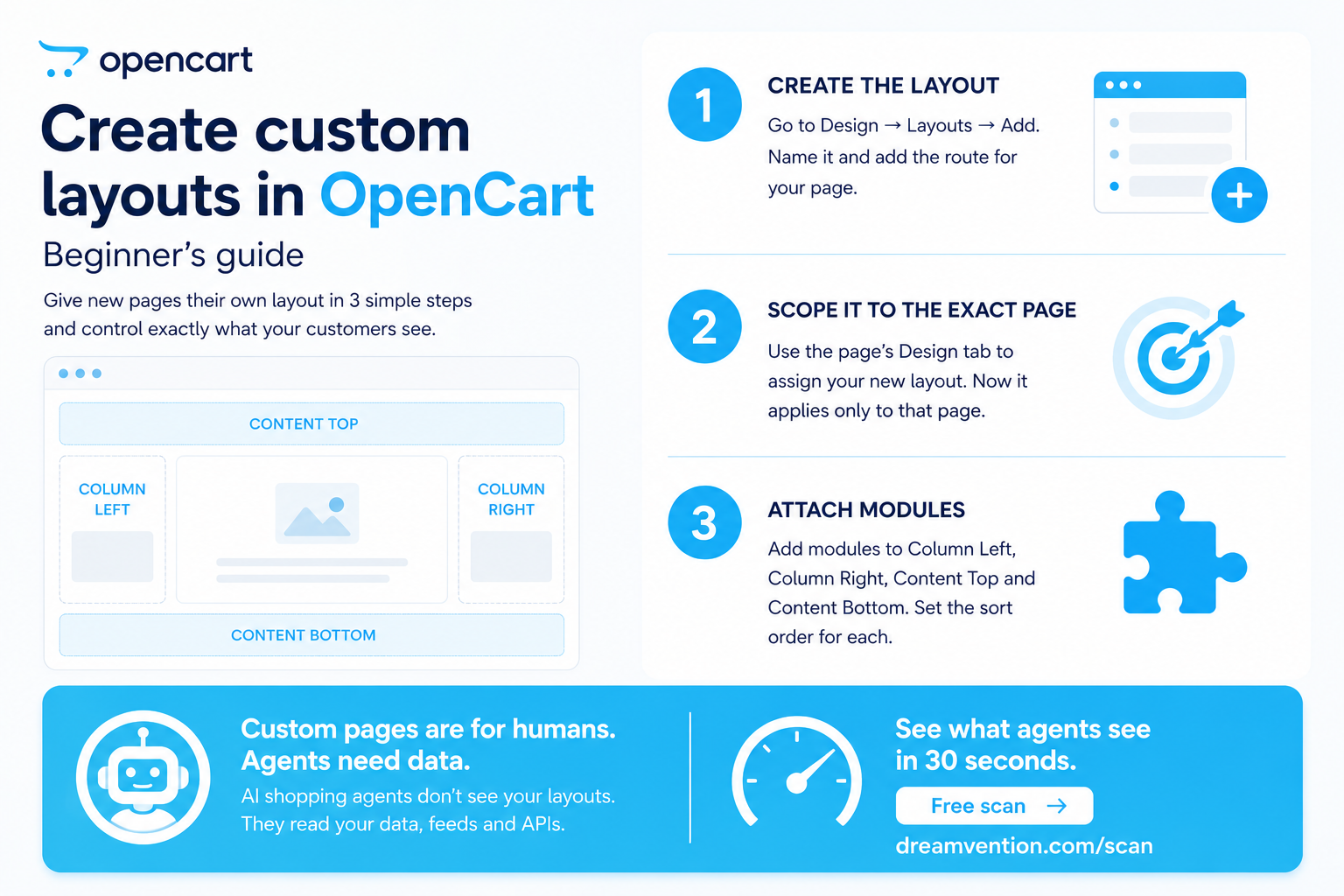
Create custom layouts in OpenCart: beginner's guide
Learn how to create and customize layouts in OpenC…
Read →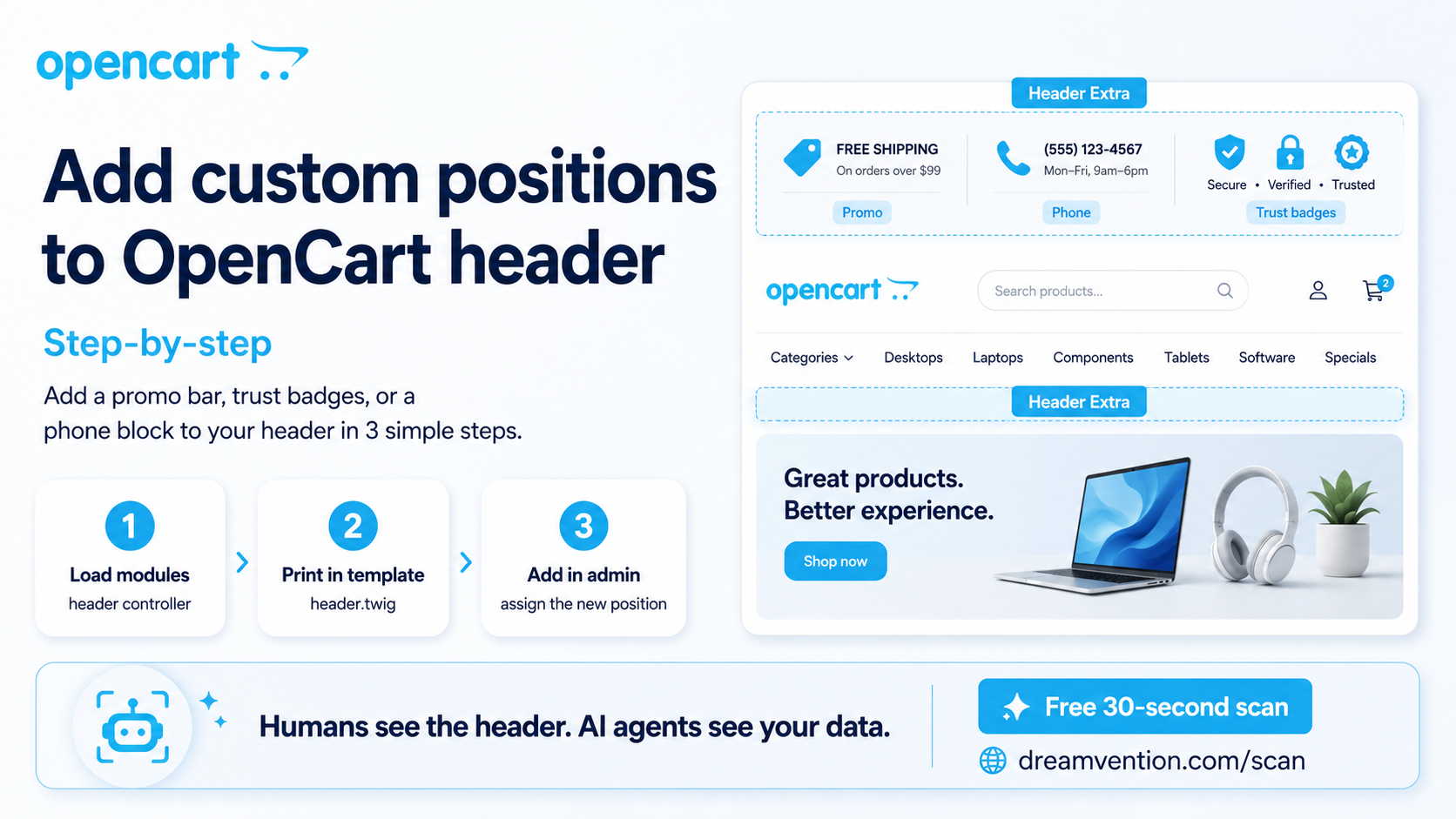
Add custom positions to OpenCart header: step-by-step
Add custom header positions to OpenCart: step-by-s…
Read →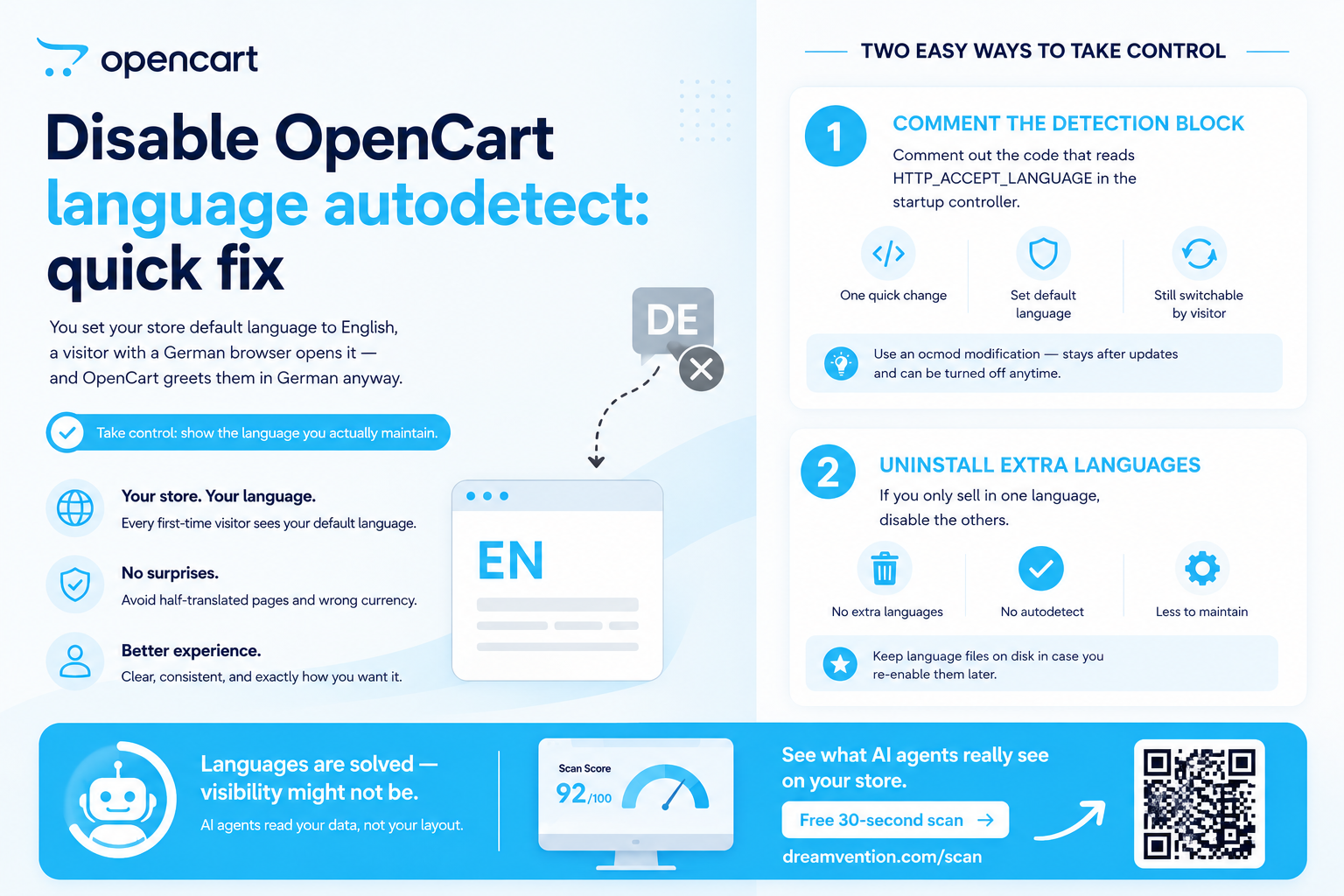
Disable OpenCart language autodetect: quick fix
Stop OpenCart forcing languages on visitors. How t…
Read →Put a sales agent on your store
It knows your catalog, recommends, takes orders — on your site and in ChatGPT. Built for you — live in days, not months.