
Forgot OpenCart admin password? 3-step recovery guide
July 18, 2026 · 4 min read

Being locked out of your own store admin is stressful, but it is almost never a disaster. OpenCart stores the admin account in your database, and you own that database — so there is always a way back in. Here are the three routes, from the easiest to the most hands-on.
Tip 1: use the built-in "Forgotten Password" link
On your admin login page (usually yourstore.com/admin) click Forgotten Password, enter the email of your admin account and OpenCart sends a reset link. This is the right first move — no files, no database, done in a minute.
If the email never arrives, check the spam folder first, then your store mail settings. Many stores use the default PHP mail which hosts often block — that is the usual reason the reset email silently disappears. In that case move on to tip 2.
Tip 2: reset the password in the database
Open phpMyAdmin (or Adminer) in your hosting panel and find the oc_user table — the prefix may differ, check the DB_PREFIX value in your config.php via FTP if unsure. Locate your admin row by username or email.
In OpenCart 4.x passwords are hashed with PHP password_hash, so paste a bcrypt hash of your new password into the password column. In OpenCart 3.x and older the hash is salted SHA1 — the safest route there is to run one SQL update that sets both a new salt and the matching hash; ready-made statements for each version are in the official OpenCart documentation, and any generic "OpenCart password reset SQL" you copy should name your exact version.
Log in with the new password immediately and change it once inside — pasted hashes have a way of ending up in shell histories and support tickets.
Tip 3: create a fresh admin user
If the existing row looks odd — unknown email, permissions missing — do not fight it. Insert a new row into oc_user with user_group_id 1 (Administrator), a fresh hash, and status 1, then log in as the new user and audit the old one.
An unknown admin account you did not create is a red flag: check your store for unauthorized changes and rotate every credential — admin, FTP, database — before going back to business as usual.
While you are in the admin
Password recovery is a good moment for a broader health check. Run our free 30-second scan at dreamvention.com/scan — it shows what AI shopping agents can and cannot read on your OpenCart store, no email required.
Ready to automate your OpenCart store?
You know OpenCart inside out. The next step is turning your store into an AI salesperson that never sleeps — answering buyers, building carts and taking orders while you run the business.
Learn about agentic commerceGet AI Commerce Tips
5 expert tips to grow your store with AI agents.
No spam — unsubscribe with one reply.
Read next
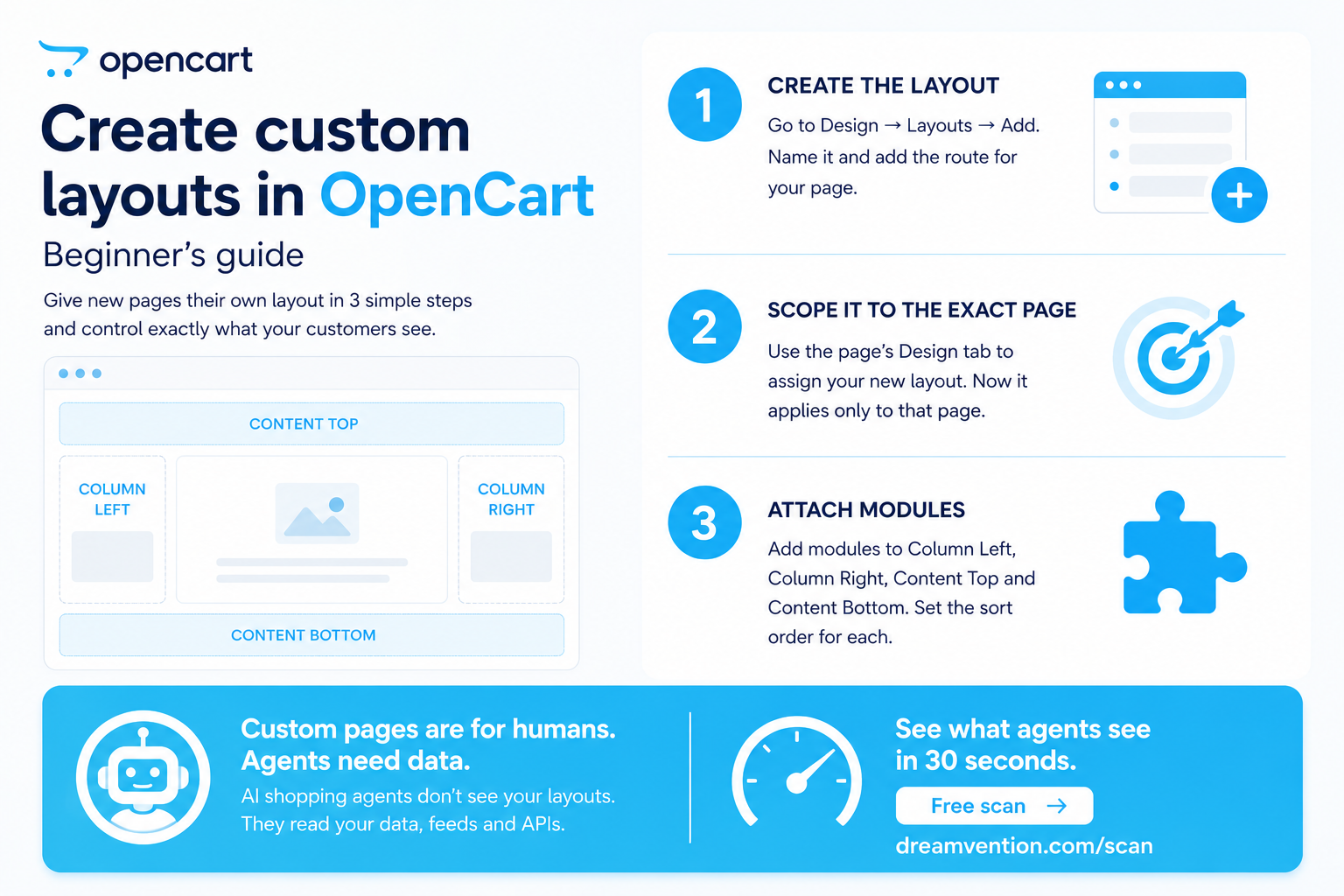
Create custom layouts in OpenCart: beginner's guide
Learn how to create and customize layouts in OpenC…
Read →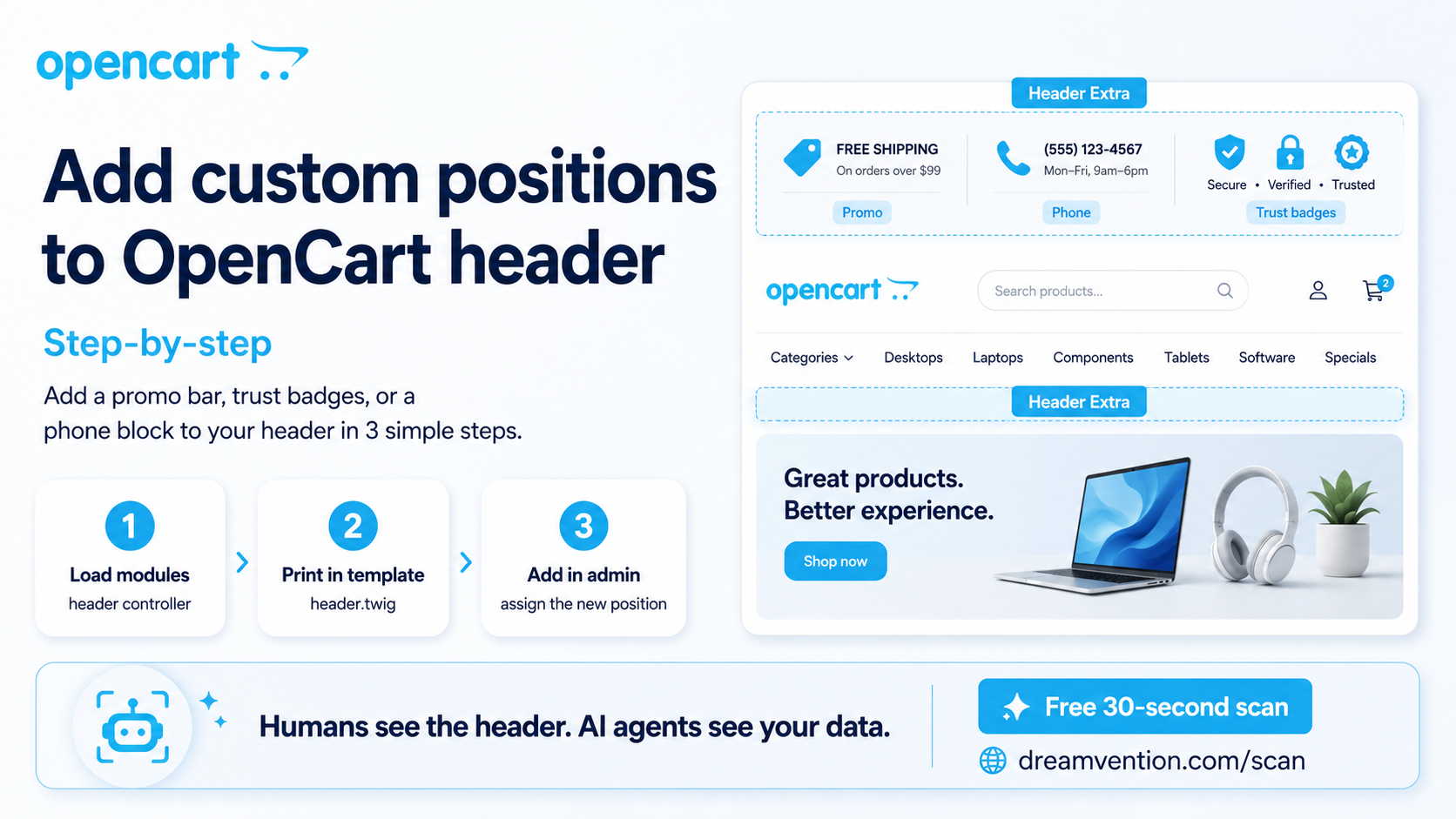
Add custom positions to OpenCart header: step-by-step
Add custom header positions to OpenCart: step-by-s…
Read →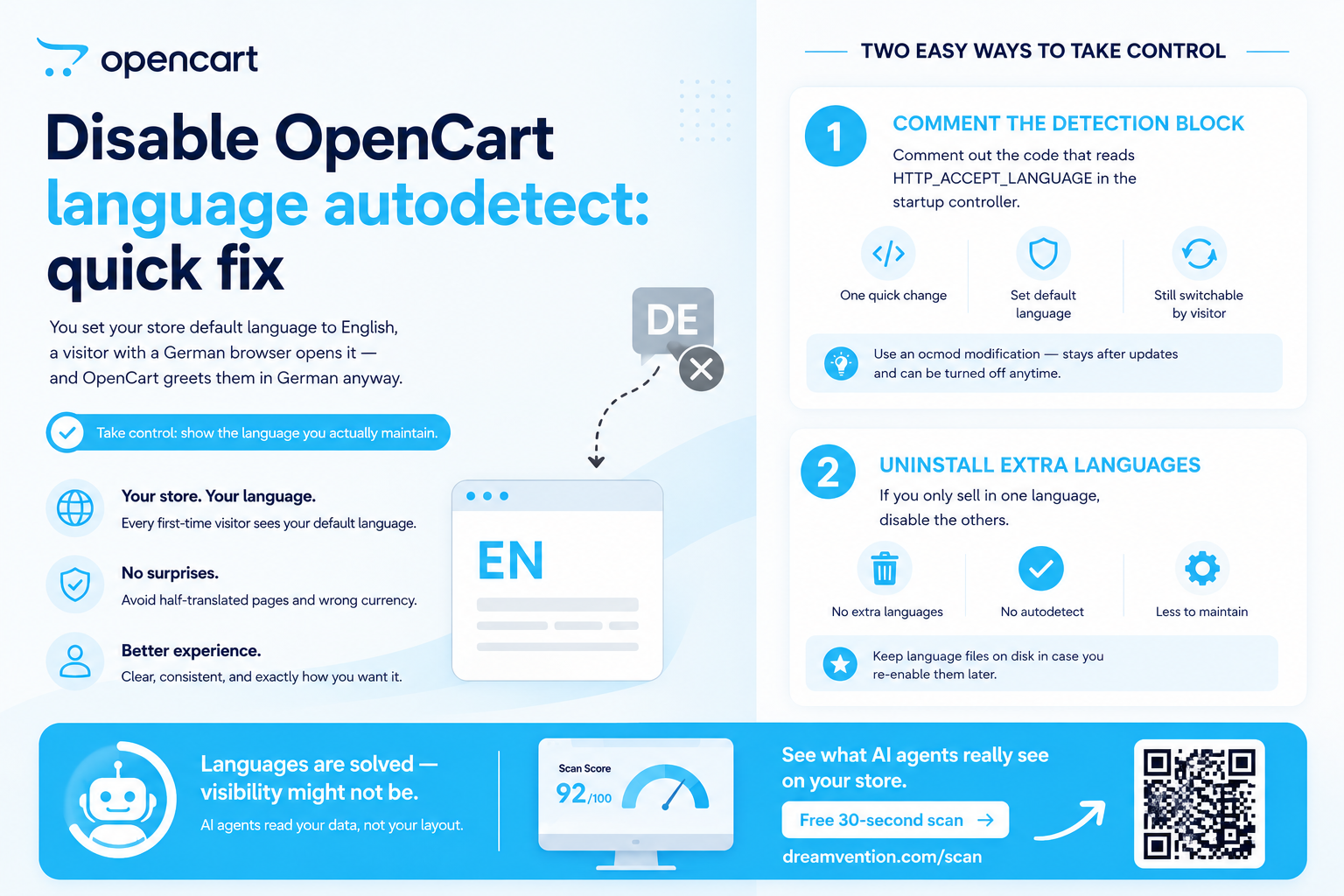
Disable OpenCart language autodetect: quick fix
Stop OpenCart forcing languages on visitors. How t…
Read →Put a sales agent on your store
It knows your catalog, recommends, takes orders — on your site and in ChatGPT. Built for you — live in days, not months.